 unkre
REFERENCE IMAGE GUIDE
Your reference photo. A new image to imagine.
Generate SFW and NSFW images using your reference photos with Qwen Image 2.1. Learn how to upload a photo and describe a new scene in UNKRE Studio.
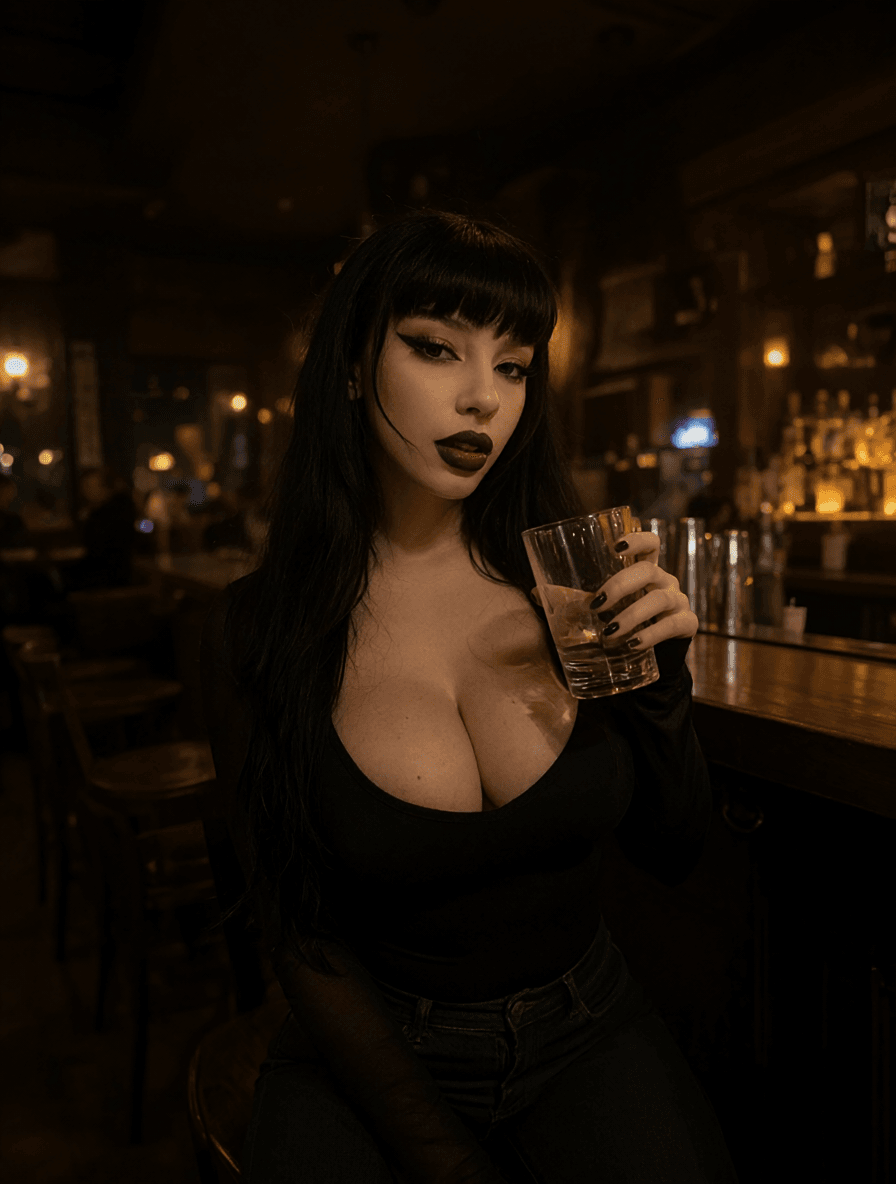
Give Qwen a visual starting point
Use a reference photo with Qwen Image 2.1 when you want to explore a person in a new image. Your photo is an input to a generation, rather than a promise of an exact edit. Describe the result you want: a new scene, a different mood or a different photographic treatment.
The landing page shows the reference and a SFW generated example together. Its optional NSFW example uses the same reference and stays on that page.
Upload your reference in Studio
Choose Qwen Image 2.1 and open Image settings. Add a PNG, JPG or WebP file up to 10 MB. You can remove the reference and choose another before generating. All image settings stay visible in the generator on desktop and mobile.
The Create from a reference link selects Qwen and takes you to reference settings after sign-in. Choose your own reference photo in Studio after sign-in.
Write the scene you want
Describe the person in the reference and the new setting you want to explore. Be specific about the lighting, camera view, surroundings and styling. Start with one clear idea, inspect the result and refine the prompt.
You can explore SFW and NSFW images. A compatible Qwen LoRA offers another way to shape the image. Results can vary, so inspect important features rather than assuming exact identity retention.
How the photo is used
A selected reference is included in your generation request and sent to the processing service used by the workflow. Your account gallery requires sign-in. Use reference material you are entitled to use.