 unkre
CHARACTER CONSISTENCY GUIDE
Create your character. Explore their next scene.
Create your own AI character and explore SFW or NSFW scenes in UNKRE. Use Qwen reference photos or a repeated Krea 2 character description and seed.
Two ways to start a character
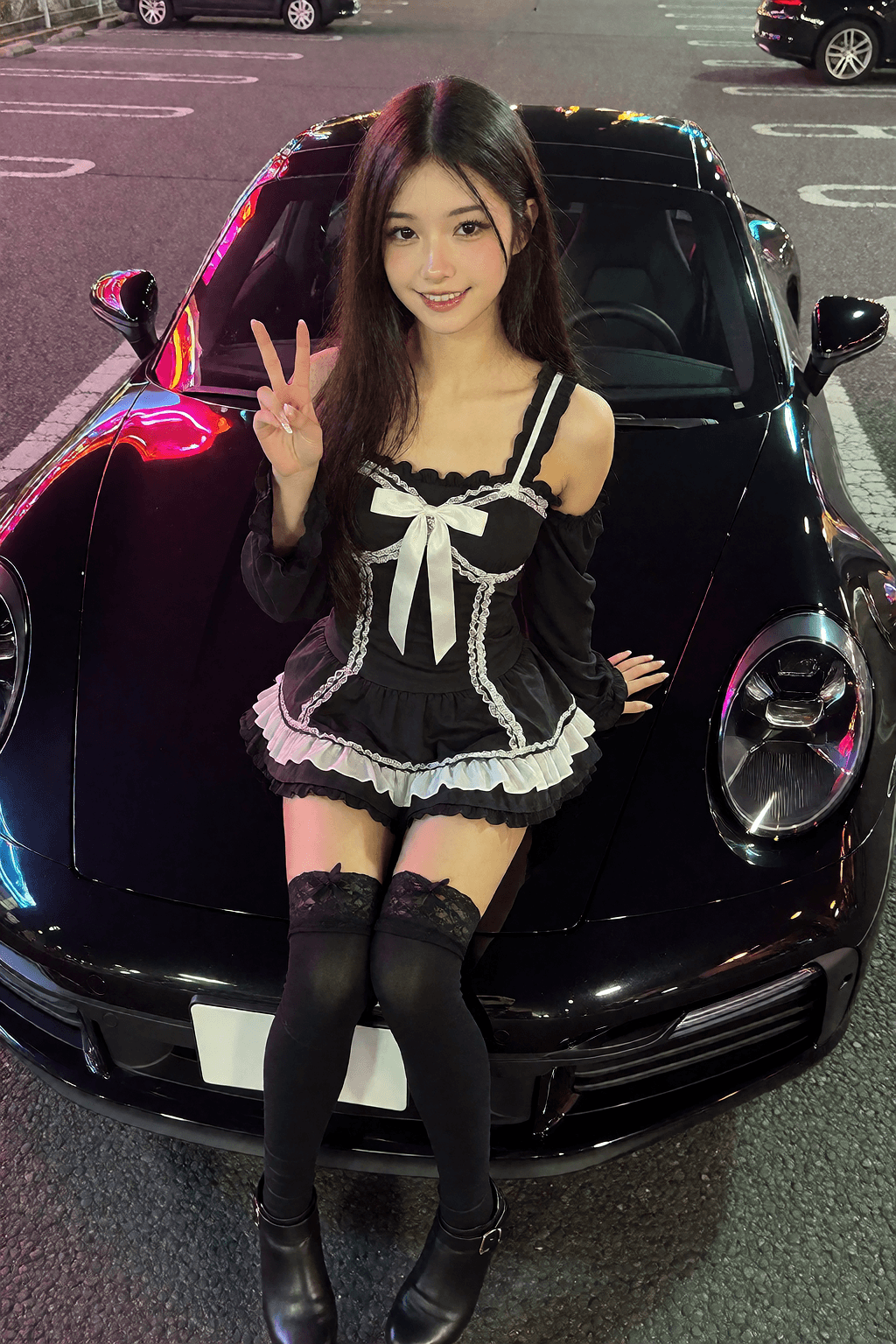
UNKRE is an uncensored AI character and image studio. Start from an original description with Krea 2, or use a reference photo with Qwen Image 2.1. Both approaches give you ways to explore recurring characters across SFW and NSFW images.
Choose one approach before testing different scenes. The important question is which features stay recognisable across the images you create, rather than whether a single image matches your idea.
Keep the Krea description and seed stable
Write a short, consistent description of the character’s defining features. Put it at the beginning of each prompt. Reuse the seed and keep the model and LoRA settings stable while changing the scene that follows.
For example, keep the same hair, outfit and defining features, then move from a night market to a street scene. The character preset opens a suggested prompt and seed so you can begin this process in Studio. It is not the recorded original recipe for the example image.
Use a Qwen reference photo
A reference gives Qwen a visual starting point for a person. Upload the photo in Image settings, then describe the new scene. Explore compatible Qwen LoRAs if you want to change the look further.
Consistency is a process
Faces, proportions and other features may change between generations. Compare the results and refine one variable at a time. UNKRE’s landing page keeps its SFW and optional NSFW character examples together so you can inspect the possibilities before signing in.