 unkre
MODEL GUIDE
Create with Krea 2. Make the idea your own.
Explore Krea 2 Turbo in UNKRE. Generate SFW and NSFW AI images, work with compatible LoRAs and build recurring characters with prompts and seeds.
Explore Krea 2 Turbo
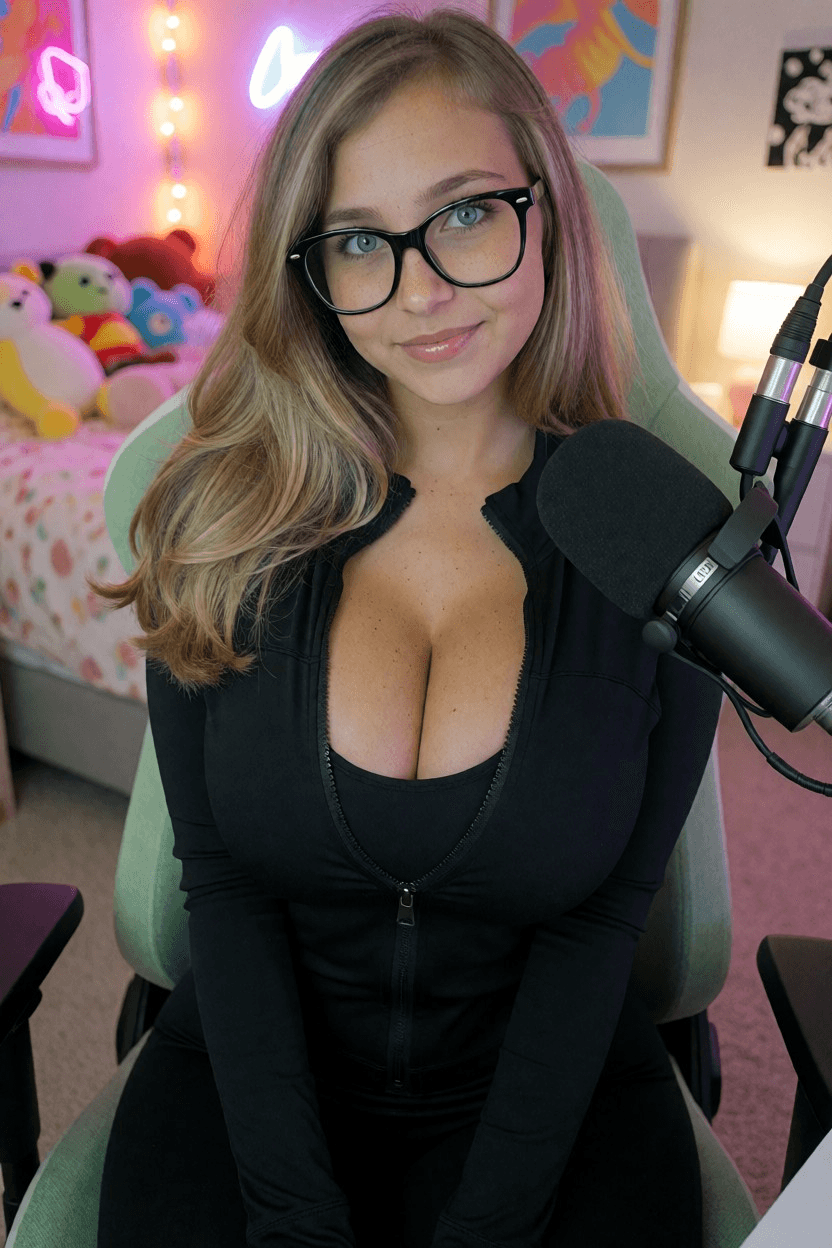
UNKRE brings Krea 2 Turbo into the image studio alongside Qwen Image 2.1. Explore its actual examples to decide whether the photographic direction fits your idea, then use it as a starting point for images and original characters.
Choose a Krea workflow, describe your subject and scene, then generate an image. Add details about the light, framing and atmosphere when they matter to your idea.
Build a recurring AI character
For character exploration, place the same character description at the beginning of each prompt and reuse a seed. Keep the key features stable, then describe a different location, outfit or moment.
The Krea examples on the landing page show one character across two scenes, with an optional NSFW example alongside them. Reusing a seed and description can help continuity, but facial details and other features may still vary.
Shape the look with LoRAs
Explore the Krea-compatible LoRA collection in Studio. A LoRA adds another creative variable, so keep it and its strength consistent while testing a recurring character. If you change several settings at once, it is harder to identify which change affected the result.
Reference photos and model choice
The reference-photo workflow described on the UNKRE landing page uses Qwen Image 2.1. If a reference photo is your starting point, use the reference-image guide to open the Qwen workflow instead.