 unkre
LORA GUIDE
Find a LoRA. Find a different feeling.
Explore compatible Krea 2 and Qwen Image 2.1 LoRAs in UNKRE. Shape SFW and NSFW AI images with model-specific collections and adjustable strength.
What a LoRA adds
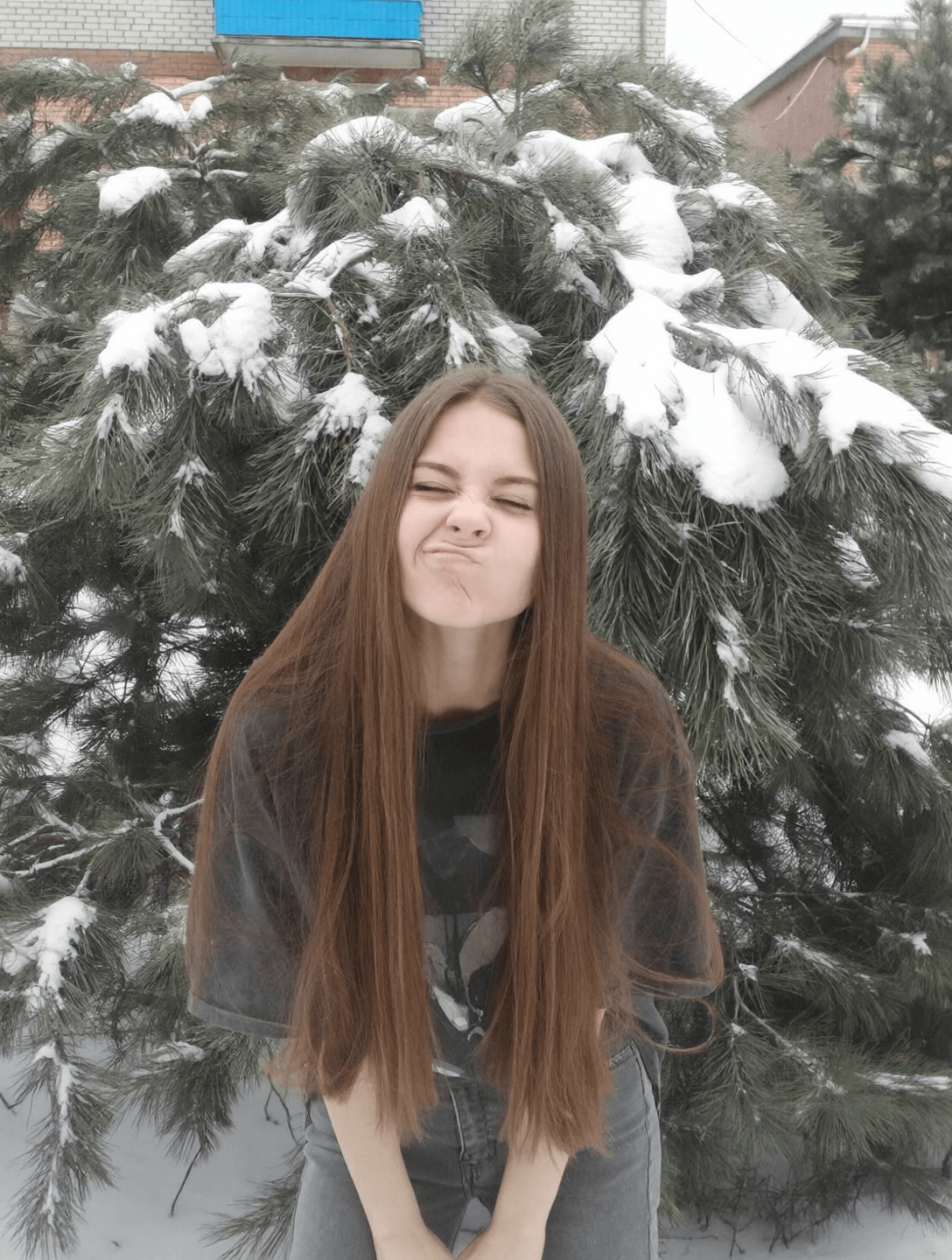
A LoRA is an additional creative input that helps shape a model’s images. UNKRE’s landing page includes selected Krea 2 and Qwen collections, with SFW examples and optional NSFW previews.
Use examples to choose a direction, then try your own prompt. A collection name is not a guarantee of a specific texture, identity or level of realism in every image.
Match the LoRA to the model
Choose your model first. Studio shows the LoRAs available for that workflow, and a change of model resets the selected LoRA. Krea 2 and Qwen have their own compatible collections; similarly named LoRAs are not automatically interchangeable.
When you open a landing example, UNKRE carries its model and LoRA name into Studio. If the particular LoRA is not available in the current catalog, choose one of the available alternatives before generating.
Adjust strength thoughtfully
After selecting a LoRA, use its strength control in Image settings. Start with a clear prompt and change one variable at a time. Keeping the LoRA and strength stable is especially useful when comparing recurring character images across scenes.
Explore from a real starting point
Try a suggested prompt from a model example, or bring a reference photo to a Qwen workflow. Original generation settings were not provided for every public example, so presets are intended as starting points for a new image. Current workflow and LoRA availability is shown after sign-in.