 01
Qwen Image 2.1
Turn text prompts and reference photos into a new scene. Explore compatible Qwen LoRAs.
Try Qwen Image 2.1 Model guide unkre.
UNCENSORED AI IMAGE GENERATOR
Generate SFW and NSFW images from your reference photos, or create your own AI character. Your ideas, brought to life with Krea 2 and Qwen Image 2.1.
15 free credits for new accountsGoogle or Telegram sign-in · Telegram bot & MiniApp
YOUR UNKRE STUDIO
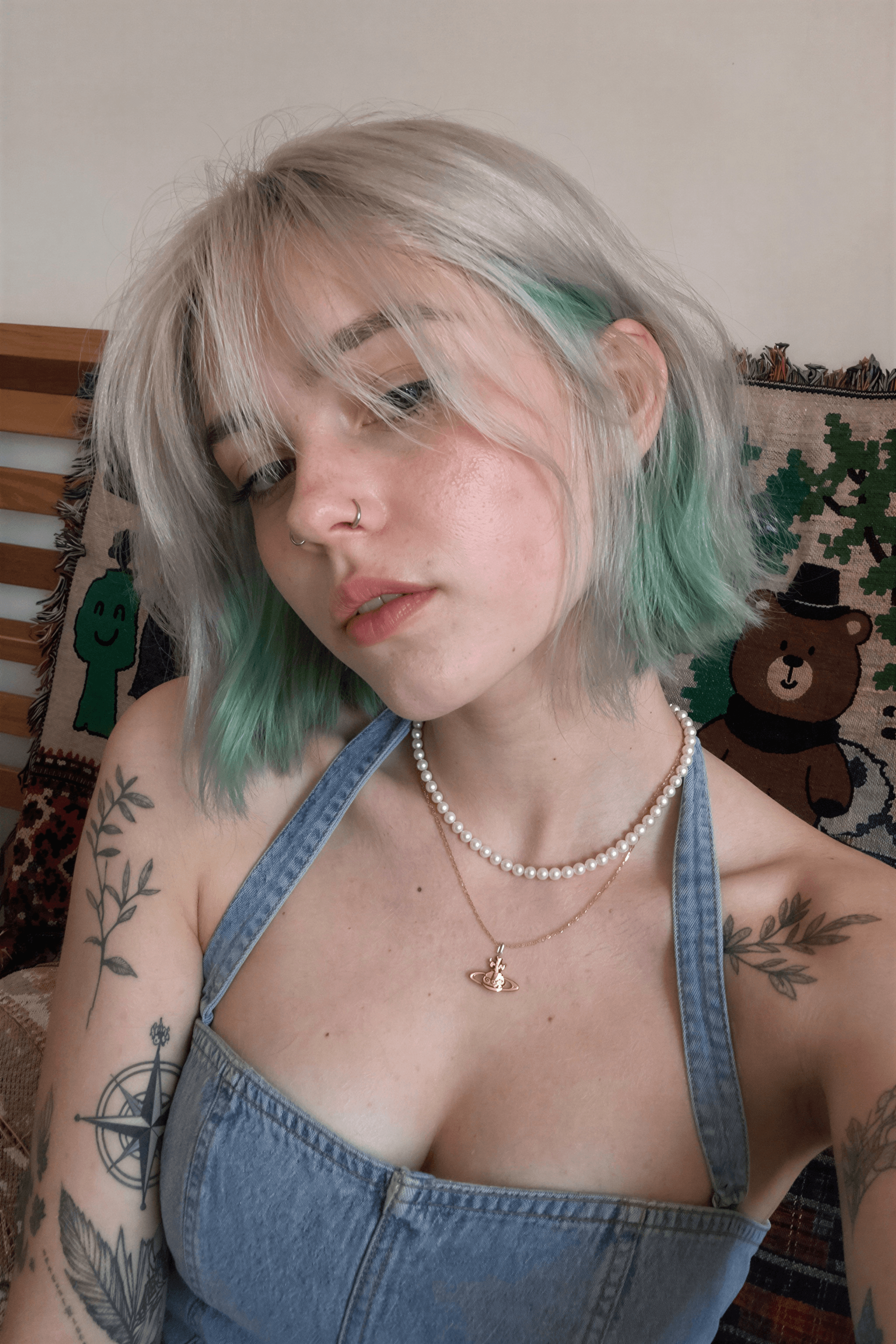
Model example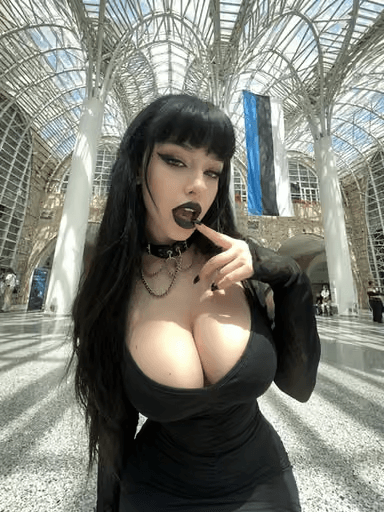 Krea 2 Turbo
Every detail.
Brought to life.
START WITH SOMEONE. GO SOMEWHERE NEW.
Use your reference photos to generate SFW and NSFW images with Qwen Image 2.1. Describe a different scene, mood or outfit, and explore a new direction.
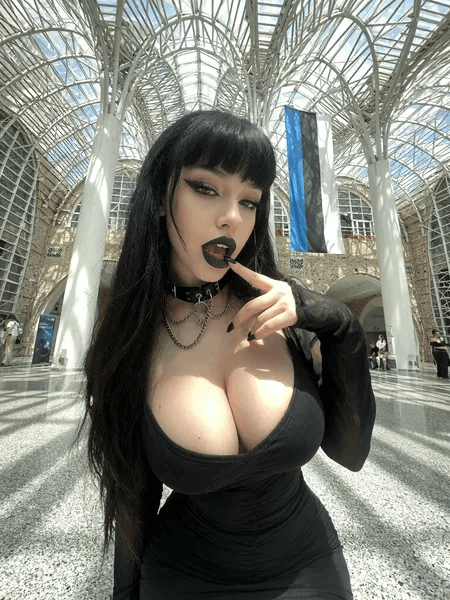
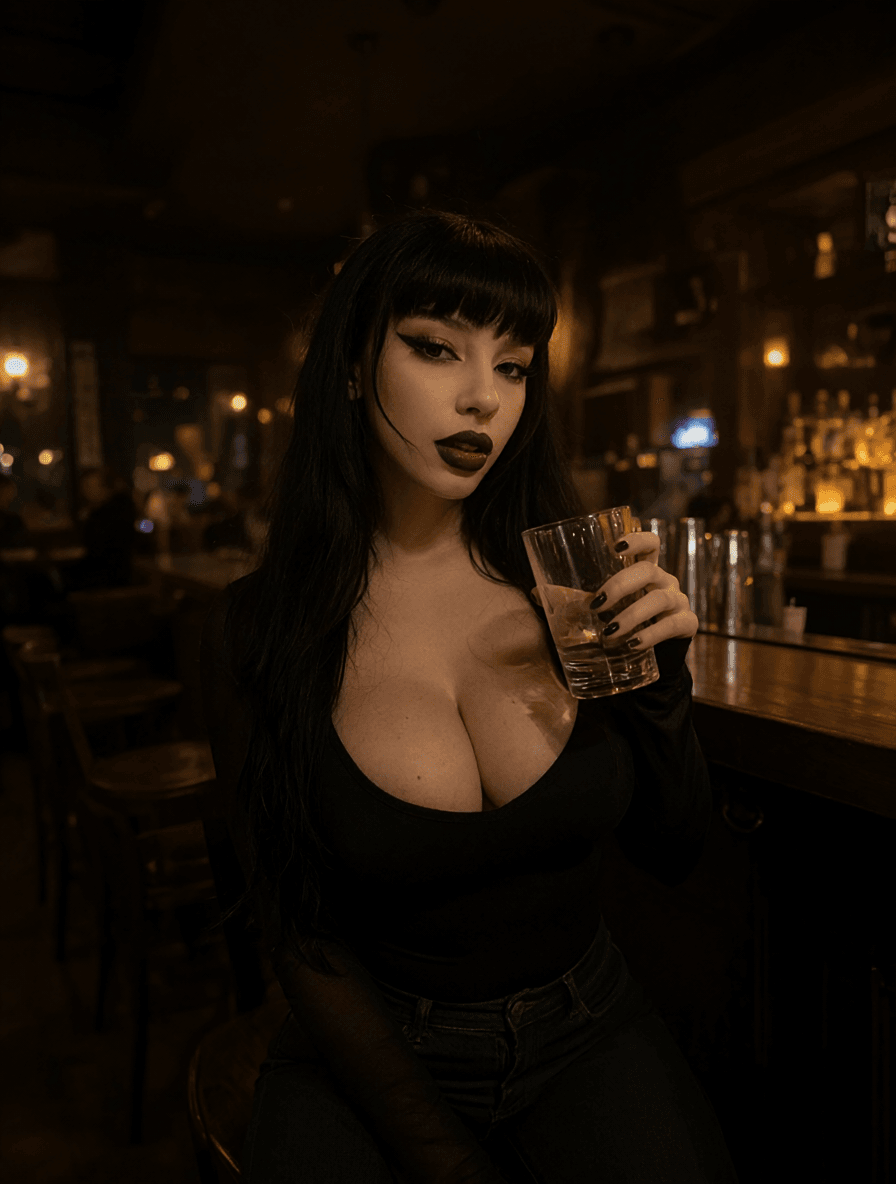 QWEN IMAGE 2.1 · SFW
Start with a person you want to create with. Add your reference in Studio and tell Qwen what comes next.
Create from a reference How reference images workCREATE SOMEONE OF YOUR OWN
Build a recurring AI character and explore different scenes. For Krea 2, keep the same seed and character description, then change the moment around them.
Explore consistent character generation for SFW and NSFW images. Results can vary, including facial details and other features.
Create my character A guide to character consistencyKREA 2 · CHARACTER CONSISTENCY EXAMPLES
SFW2 examples
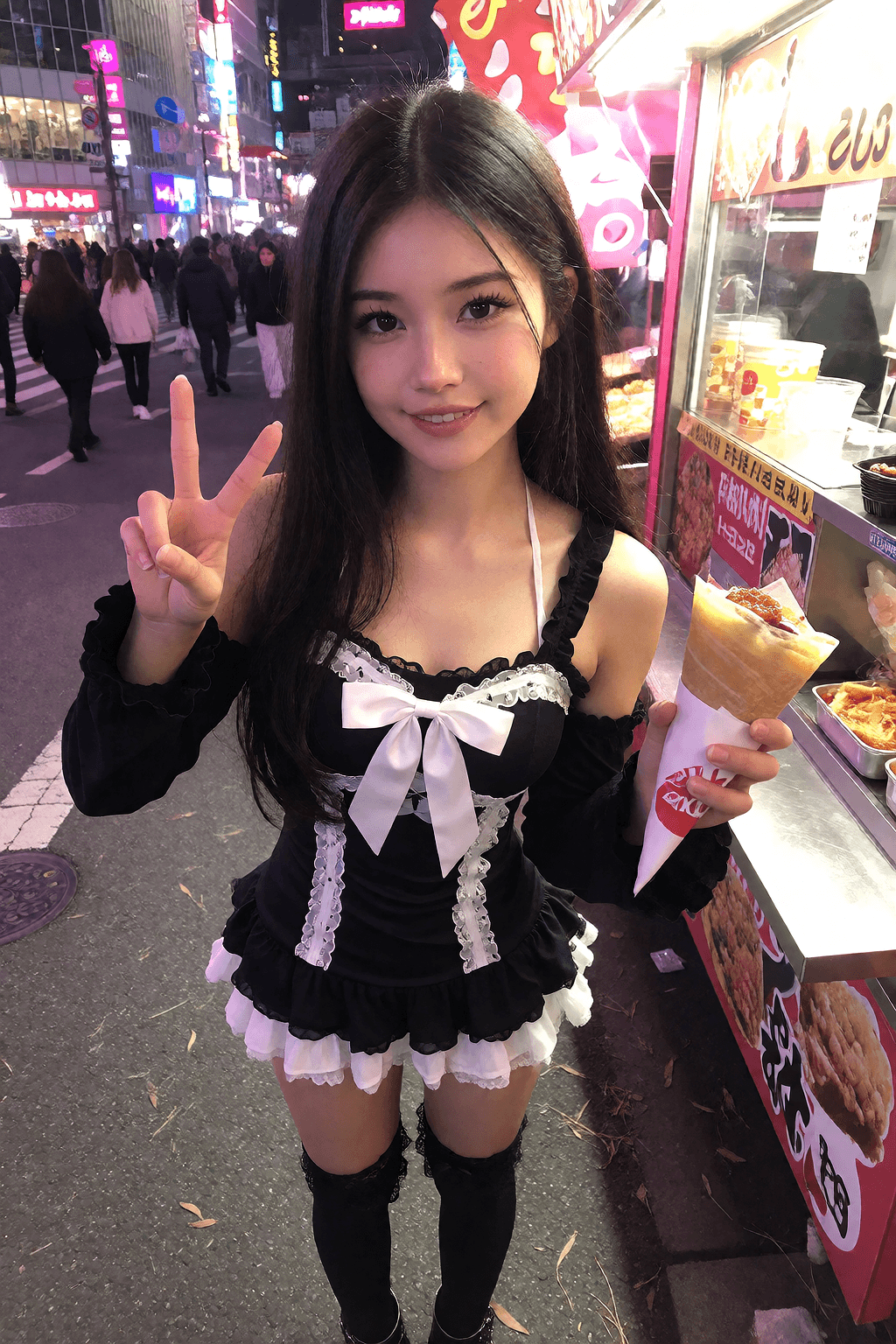
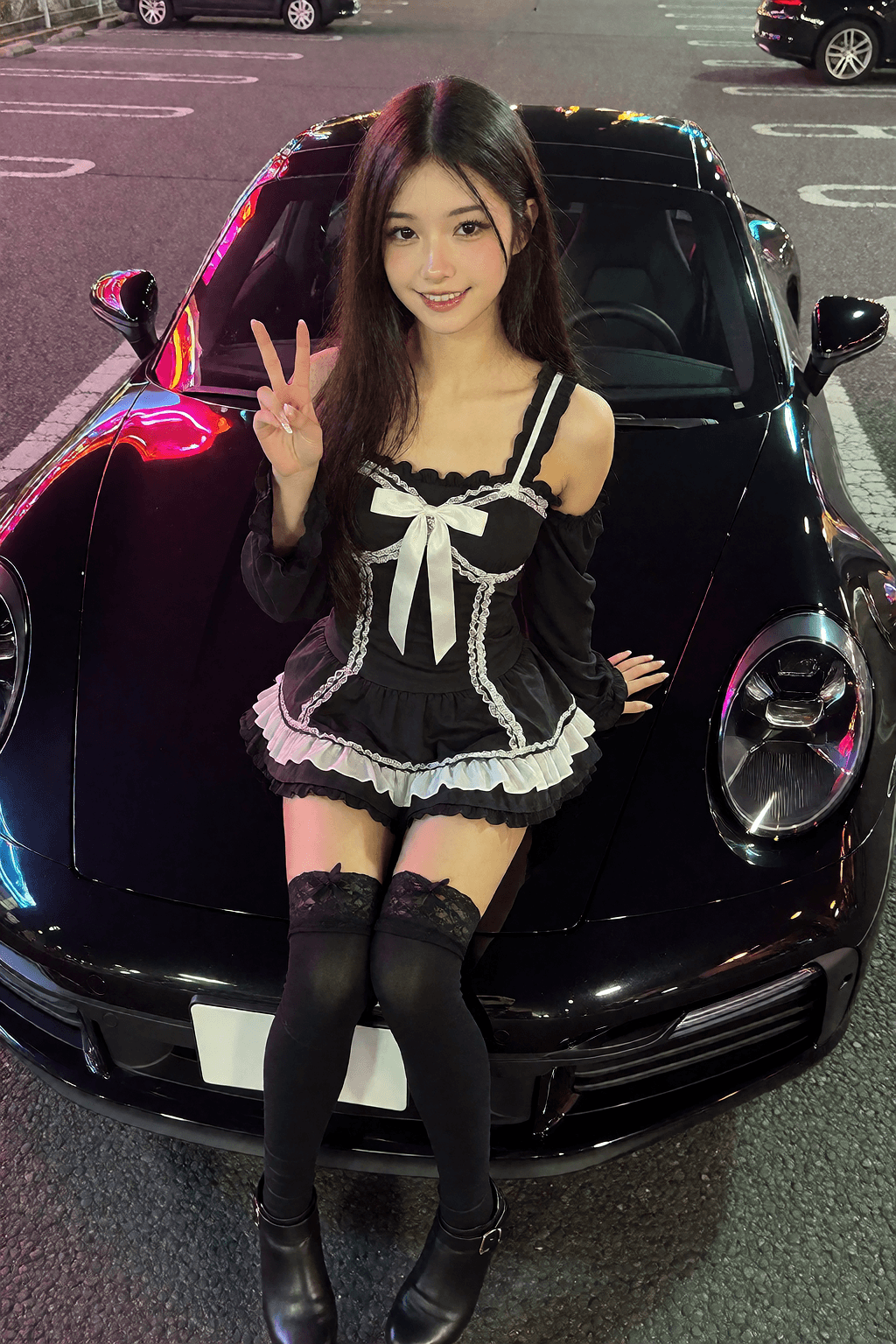
Krea 2 · One character, different scenes
FROM AN IDEA TO AN IMAGE
Explore Krea 2 Turbo or Qwen Image 2.1. Each offers a different starting point.
Write a prompt, add a reference with Qwen, or try a compatible LoRA for a new look.
Generate your image, explore another idea and download your results from Studio.
THE TOOLS BEHIND YOUR IDEAS
Generate ultra-realistic AI images with Krea 2 Turbo, or use Qwen Image 2.1 for text prompts and reference photos.
01Turn text prompts and reference photos into a new scene. Explore compatible Qwen LoRAs.
Try Qwen Image 2.1 Model guide02Explore photographic images, build a character from a description and shape the look with compatible LoRAs.
Try Krea 2 Turbo Model guideSwipe to explore both models
FIND YOUR LOOK
Choose a LoRA to shape the look of your images. Explore SFW and NSFW examples from compatible Krea 2 and Qwen collections.
SFW2 examples
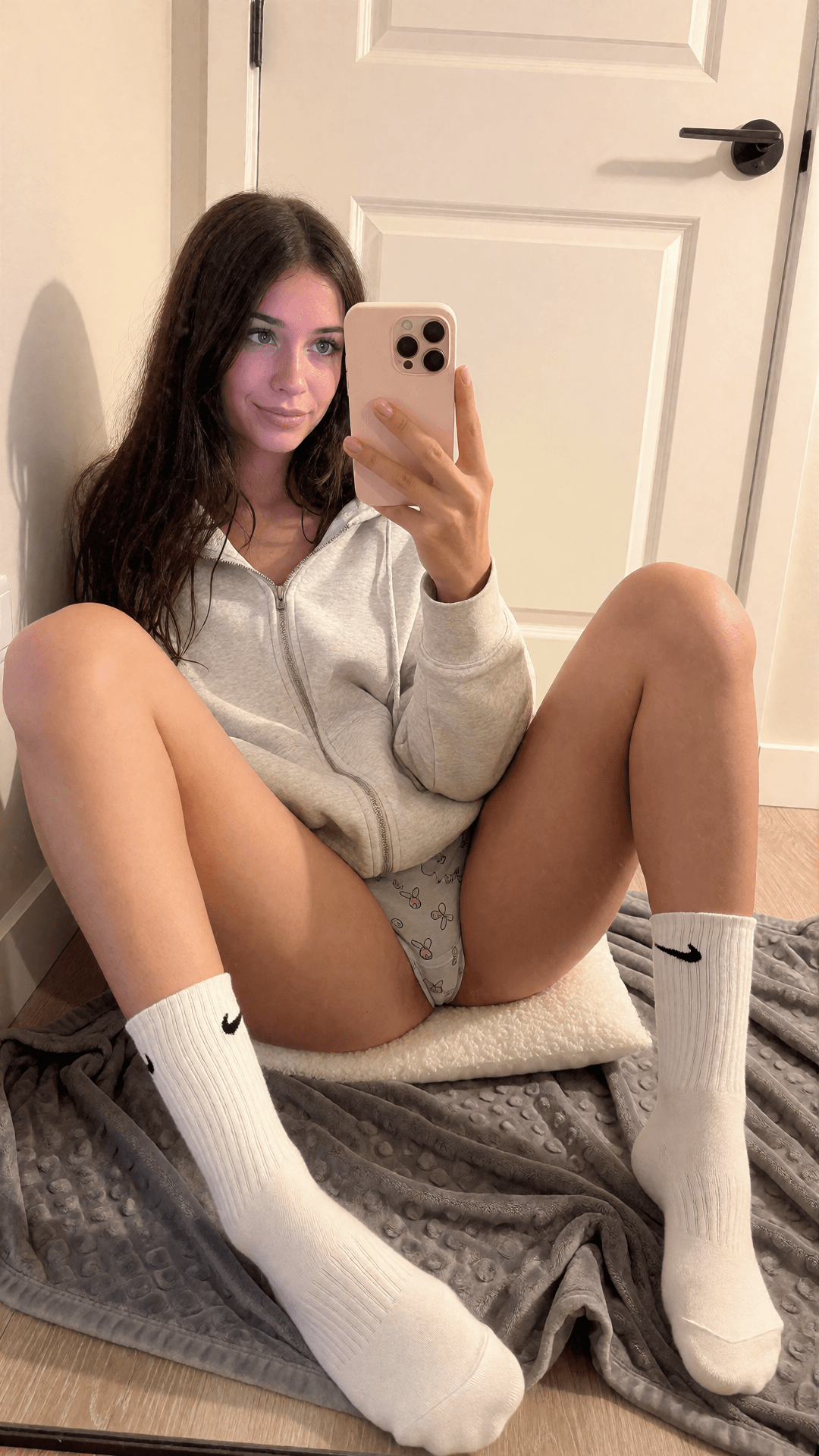
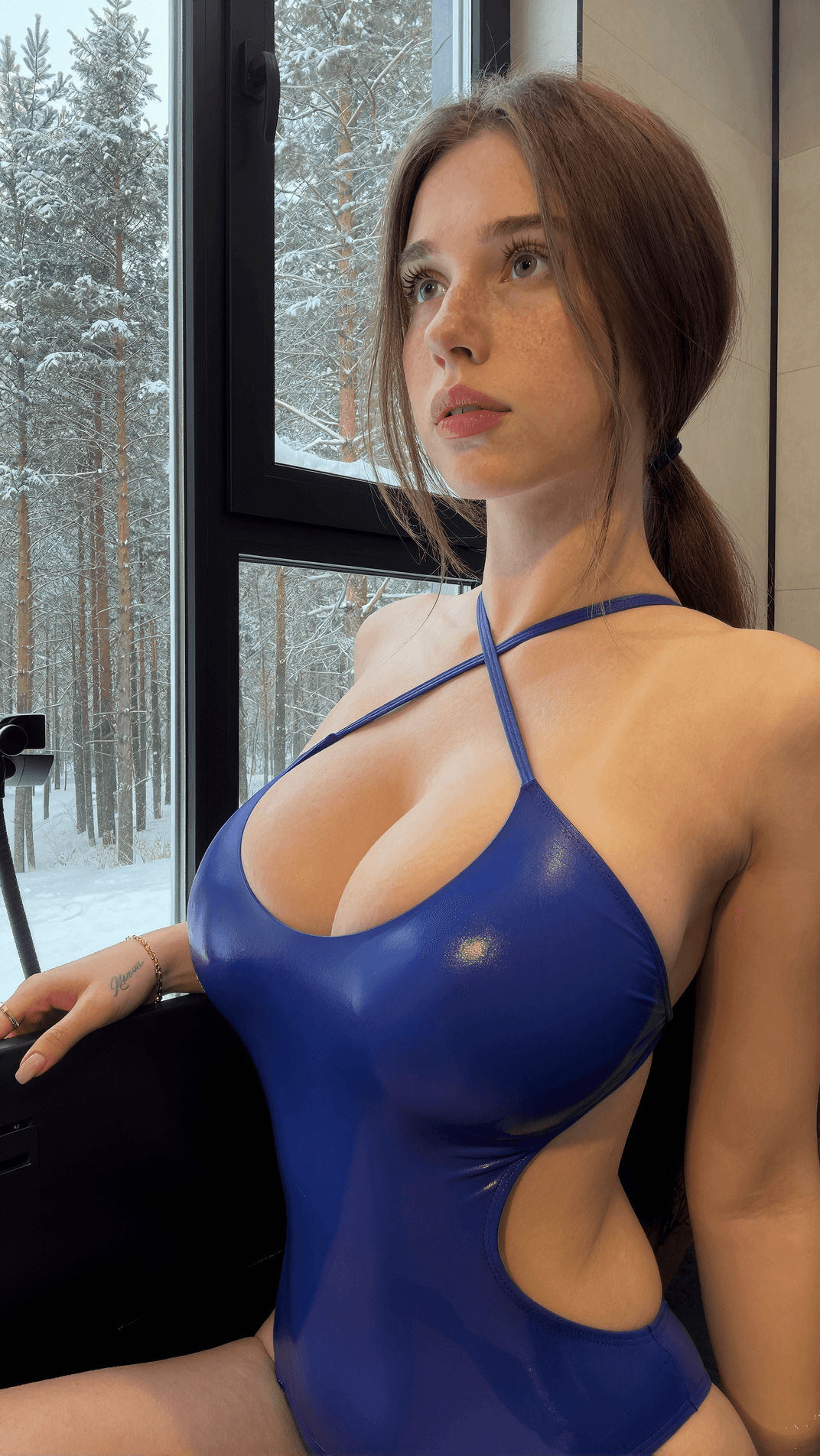
SFW1 example
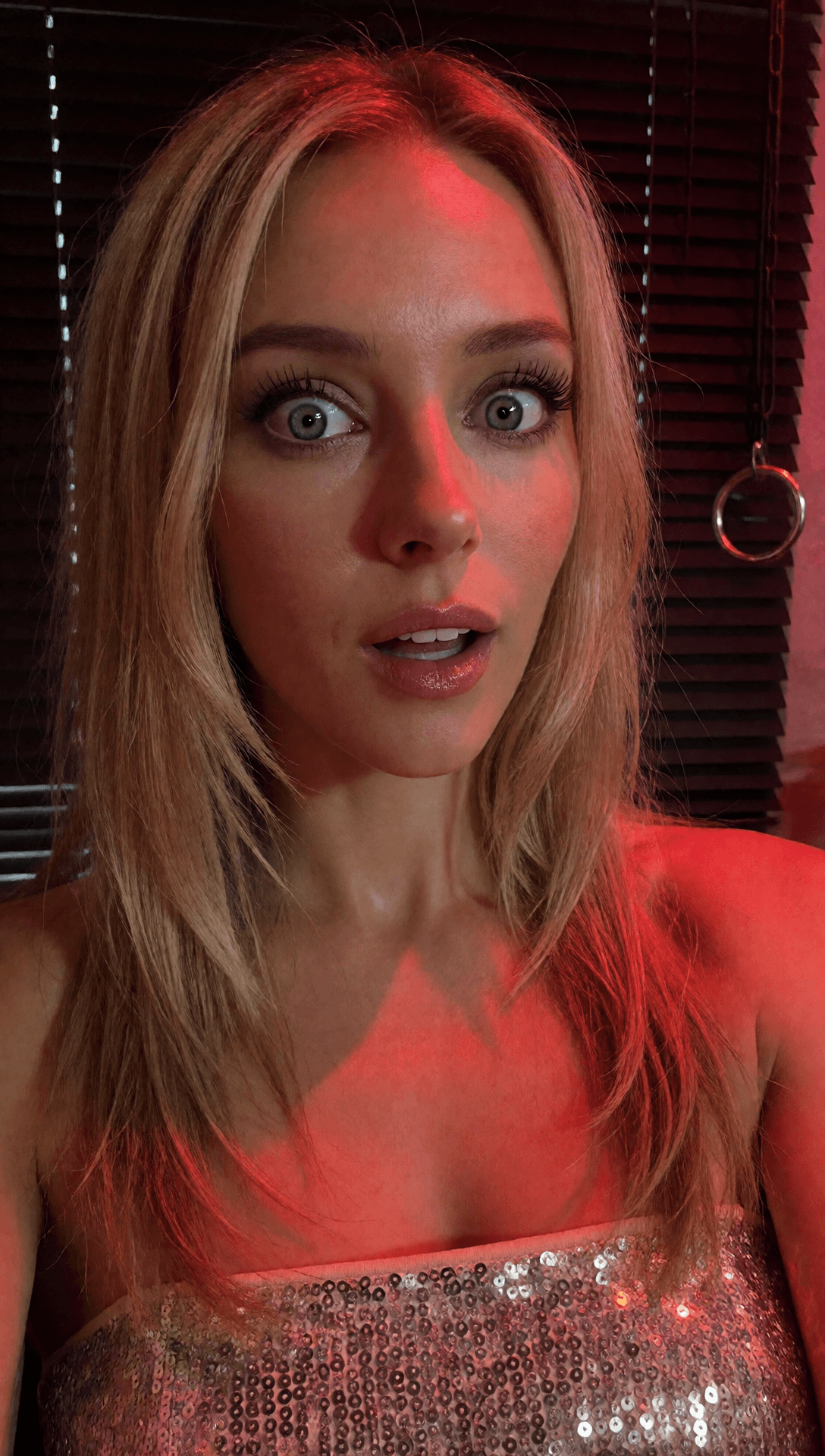
SFW2 examples
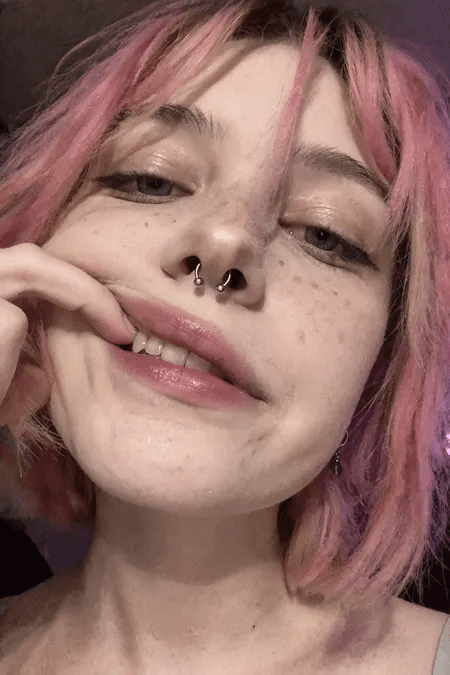
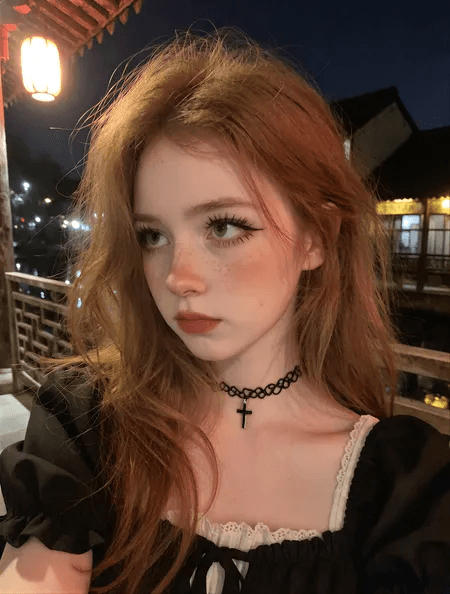
SFW2 examples
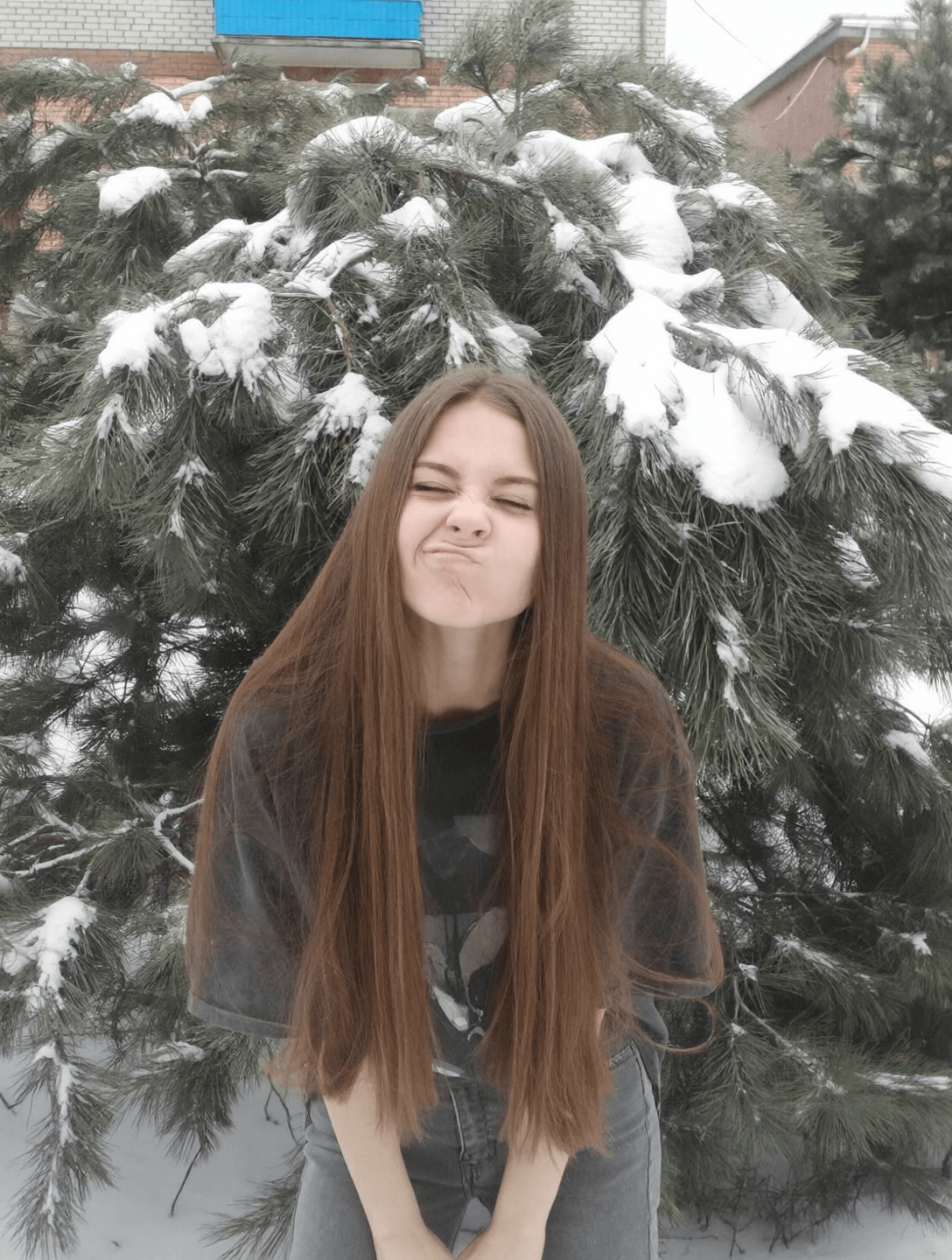
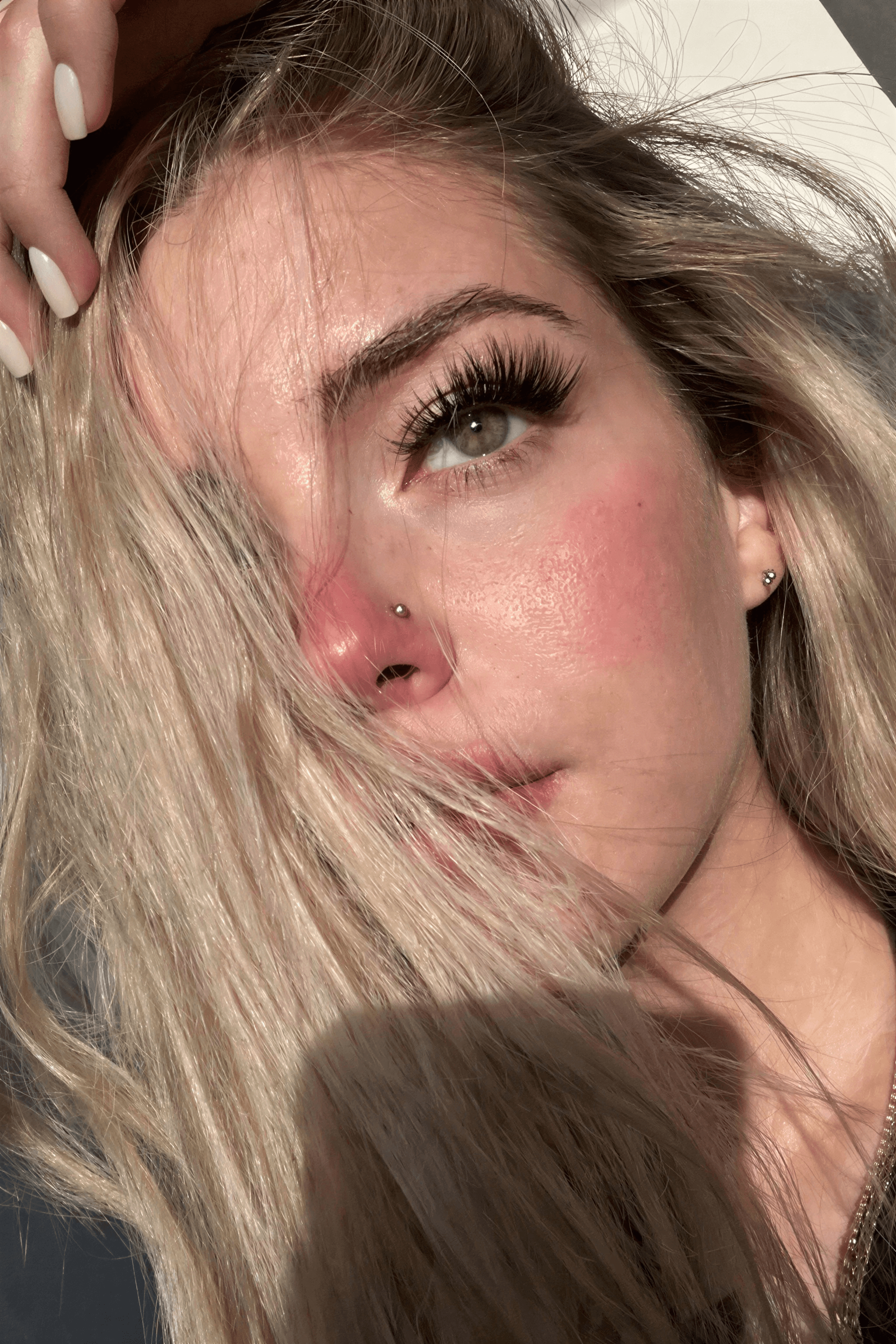
SFW2 examples
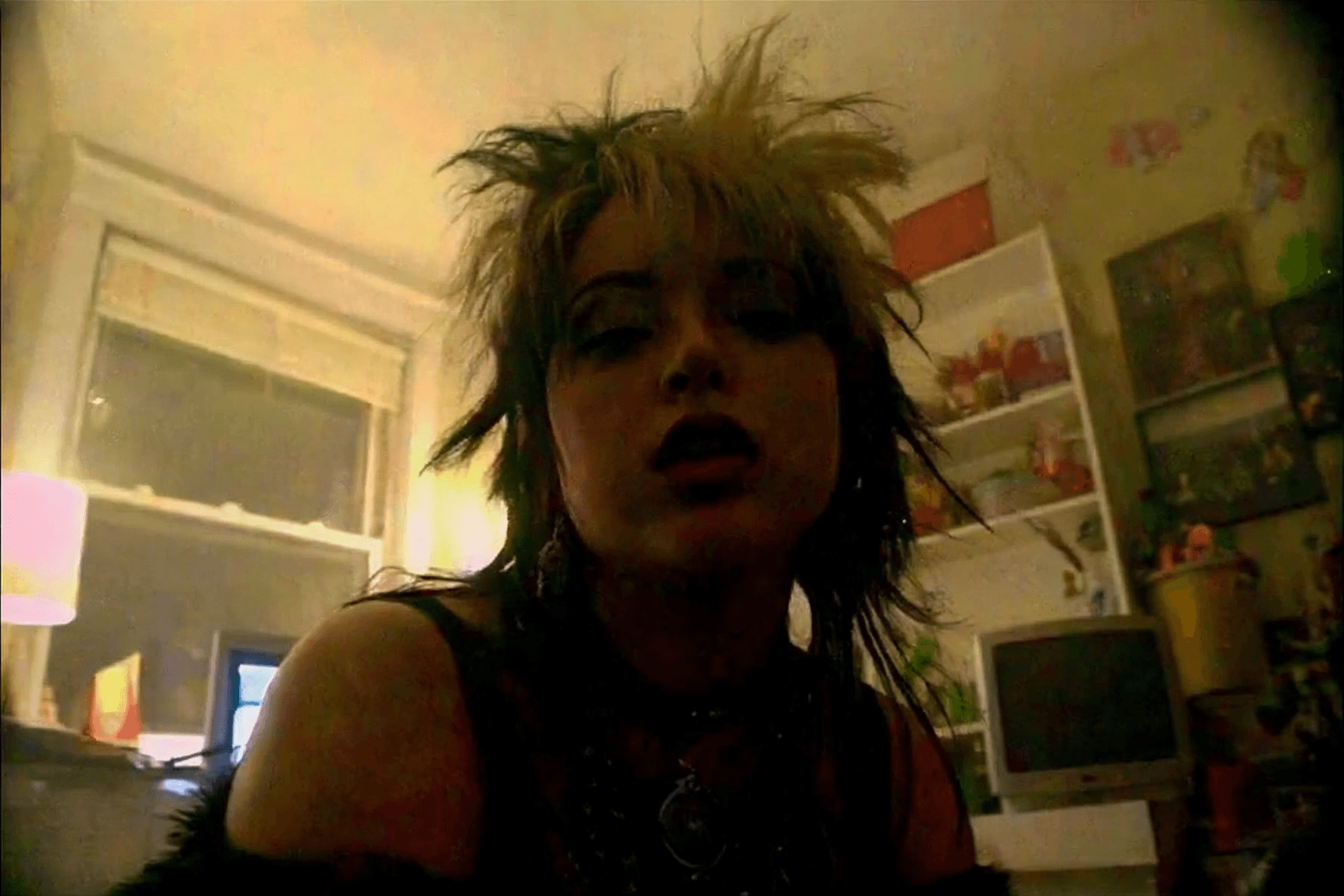
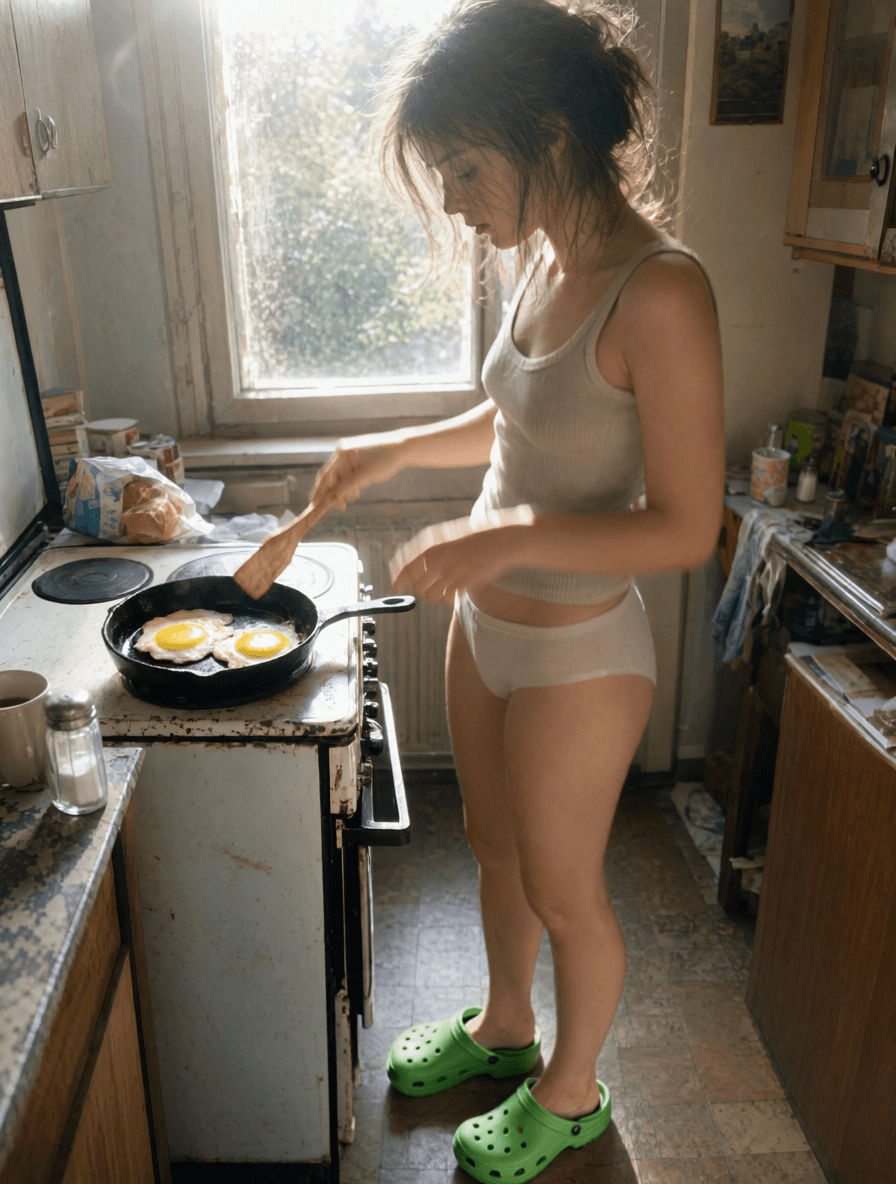
A selection of what’s possible. Explore available model and LoRA combinations in Studio.
Explore LoRAsROOM FOR YOUR FIRST IDEA
New accounts receive welcome credits after their first Google or Telegram sign-in. No card is needed to register.
Create my first image How credits workYour account, your collection.Find your generations and balance in Studio.
Clear next steps.Review available top-ups and their prices before payment.
A welcome offer.Starter credits are for new accounts, rather than a daily allowance or a fixed image count.
A FEW THINGS TO KNOW
Models, reference photos, character consistency and your first credits.
Getting started & creditsUNKRE is an uncensored AI image generator. Create SFW and NSFW images with Krea 2 and Qwen Image 2.1, use reference photos with Qwen, and explore compatible LoRAs for different looks.
Yes. Explore photographic styles, natural lighting and detailed textures with the available models and LoRAs. Results depend on the model, prompt and settings; the examples show creative possibilities rather than a guaranteed result.
Use Qwen Image 2.1 to create new images from your reference photos. In Studio, choose Qwen, add a PNG, JPG or WebP image up to 10 MB, and describe the scene you want. Reference support depends on the selected workflow.
Start from a description or use a reference photo with Qwen. With Krea 2, repeat the same seed and put the same character description at the start of each prompt, then change the scene. You can explore SFW and NSFW character images; facial details and other features may still vary.
LoRAs help shape the look of a model’s images. Choose a LoRA compatible with your selected model and adjust its strength in Studio. Krea 2 and Qwen use their own compatible collections.
New accounts start with 15 free credits after their first Google or Telegram sign-in. The welcome offer is for new accounts, not a daily allowance. Credits are not a promise of a fixed number of images. Your account shows your balance and available top-ups.
Your selected reference is included in the generation request and sent to the processing service used by the model. Your account gallery requires sign-in. Browser drafts and display preferences are stored locally; generated images and account records are handled by the service.
Yes. Open @unkre_bot in Telegram and launch the MiniApp for quick access to Studio on your phone. You use the same account, credits and image gallery, and Google sign-in still works in the browser.
It opens a suggested starting prompt and model in Studio. Original settings were not provided for every example, so a preset is a new creative starting point, not an exact reconstruction.
YOUR IMAGINATION HAS SOMEWHERE TO GO
Ultra-realistic images. Original characters. SFW or NSFW.
Start with your imagination, or bring a reference photo.